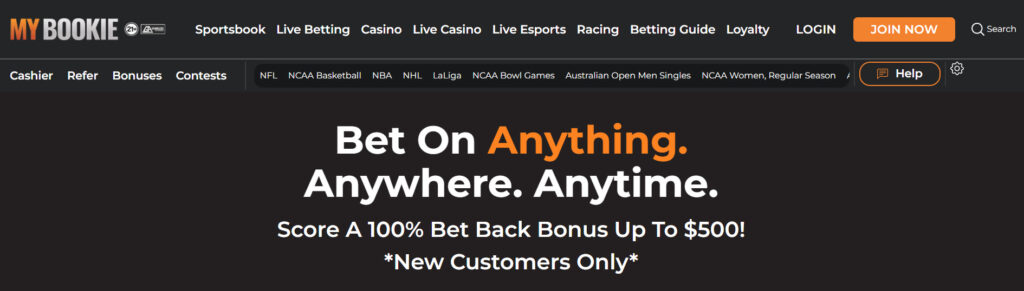
This guide explains how the MyBookie website works in real use—how to find markets quickly, place bets efficiently, and avoid common platform friction. It focuses on usability and design.
How the MyBookie layout is organized
MyBookie is built around fast access to sports and markets. Most users will interact with three areas: the sport/category navigation, the odds board, and the bet slip. If you’re new, the fastest workflow is: pick sport → pick game → choose market → confirm the bet slip → place wager.
Navigation (finding games and markets)
Navigation is usually straightforward browsing MyBookie’s betting markets, with sports and leagues grouped clearly. For faster results, use search when you already know the team, matchup, or event. If you’re browsing, start with the league page, then filter down to the game and market type (spread, total, moneyline, props).
Bet slip (what to check before you place a wager)
The bet slip is where users lose time or make mistakes. Before submitting any wager, confirm:
The correct teams/event
The correct market (spread/total/moneyline/prop)
The odds and stake amount
Any parlay legs are correct (if applicable) This quick check reduces errors, especially when lines are moving.
Search (best practices)
Search is most useful when the board is crowded. Use short terms like the team name, city, or league abbreviation. If you don’t see results immediately, try the opponent name or a simpler keyword (for example, “Lakers” instead of a full matchup title).
Mobile experience
MyBookie is primarily used through its mobile website. There is no dedicated MyBookie mobile app, so the core goal is smooth mobile-web navigation: quick loading, readable odds, and a bet slip that’s easy to edit on a smaller screen. For best results, keep your browser updated and avoid stacking too many open tabs while live betting.
Live betting usability (what to expect)
Live markets update frequently. If odds change while you’re selecting a wager, you may be prompted to accept an updated line before confirmation. Always confirm the final odds shown in the bet slip before placing the bet.
Common usability problems and quick fixes Problem: The page feels slow or odds won’t refresh. Fix: Refresh once, close extra tabs, and switch from cellular to Wi-Fi (or vice versa).
Problem: A click adds the wrong selection. Fix: Clear the bet slip, reselect the market, and confirm the event before submitting.
Problem: Search results seem incomplete. Fix: Try the opponent name, league name, or browse by sport category.
In the event that you have a complaint about how a live wager was graded, utilize the sportsbook complaint form provided by Bookmakers Review.