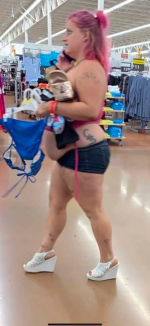
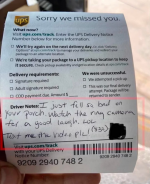
Bet she got quite a few offers with the CV....

Bet she got quite a few offers with the CV....
With a wagon like that if she needs a job or a man something isn't right


Lets get Stupid Malted.
‘Saturday Stupidity +200 7-point Teaser’
Ravens -13
Ravens/Dookies Over 34
Bungles +4.5
Bungles/Steelers Over 41
Good Luck ‘Eye Candy’ Crew!

Not sure but, I think the age of consent in Kentucky is 12 so.....
‘Saturday Stupidity +200 7-point Teaser’
Ravens -13
Ravens/Dookies Over 34
Bungles +4.5
Bungles/Steelers Over 41
Good Luck ‘Eye Candy’ Crew!



These guys are like human baguettes, the lab they are grown in just keeps trying to stretch them out
Very funny. How can i make it viewable here?
open the tweet
go to the 3 dots in the upper right corner, click and then click "embed post"
I then copy the web address, but only the second half of it.
Copy from where it says "https://twitter..."
So you are taking out the "publish .twitter.etc...." at the beginning of the address.
This embeds the post directly from the original twitter coding for BMR.
Once copied just past it directly into the BMR input window, no need to use any media buttons. Once you hit post, it will load into the post window...